MT4 or MT5, your broker
Log in with any broker account that offers MetaTrader. Each terminal runs in its own isolated container.
Price lock: today's VPS price stays yours for as long as your VPS exists. See pricing →
Trading VPS · MT4 / MT5
A dedicated MetaTrader 4 or 5 terminal on a European server, running 24/7. Open it from any browser, even your phone, with no Windows or Remote Desktop to manage.
At a glance
Everything a trader needs
We run the machine, the updates and the restarts. You keep MetaTrader, your broker and your strategy exactly as they are.
Log in with any broker account that offers MetaTrader. Each terminal runs in its own isolated container.
The full terminal streams to your browser. Check a chart or attach an EA from a phone, tablet or laptop, with no RDP client.
Upload .ex4 / .ex5, indicators, .set files, chart templates or a .zip. Every file lands in the right MetaTrader folder. MT5 EAs built for AVX2 run on our Paris server.
Browse and download terminal files, and read the Experts and Journal logs straight from the dashboard.
Frozen terminal? Restart it, and switch Algo Trading on or off, without opening MetaTrader.
Point a TradingView alert at your private webhook and it becomes an order, confirmed on Telegram or executed automatically.
Connect Claude, ChatGPT or Gemini to your account over MCP: balances, positions, history, candles and logs. An order it proposes runs only after you tap Confirm on Telegram. Free with your VPS.
Max lot, max orders per day, required stop loss, symbol whitelist, a live-account switch and Risk Guard cut-loss, enforced on every automated order.
A terminal just for the Strategy Tester, so heavy optimisations never slow down your live EA.
Add-on · Server strategies
Pick one of our basket strategies for XAUUSD. It runs on our server and places the orders on your own MetaTrader account. You switch it on or off from the dashboard at any time.
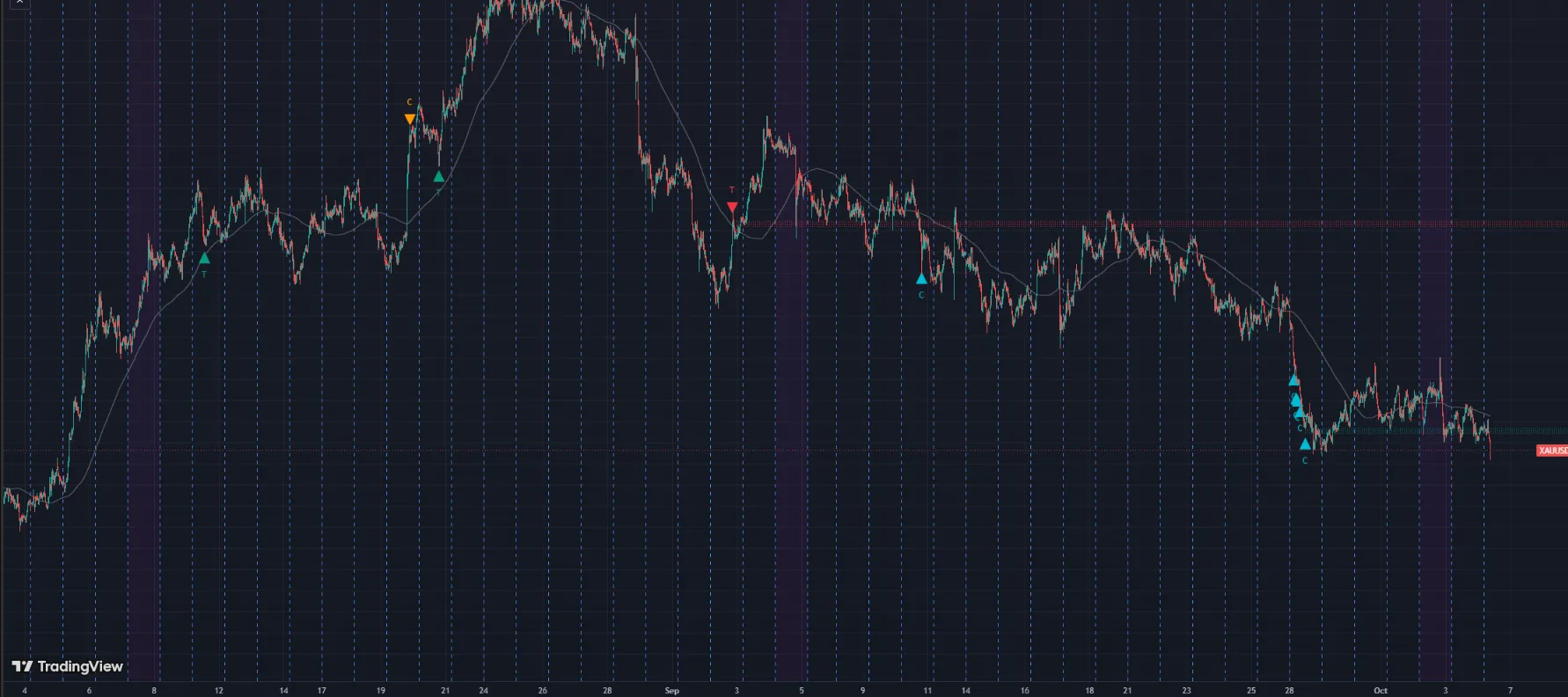
XAUUSD · M15
Buys and sells at indicator extremes, with and against the long-term trend, then manages each side as a basket on a fixed grid. Quiet hours around the daily rollover.
Live account statement →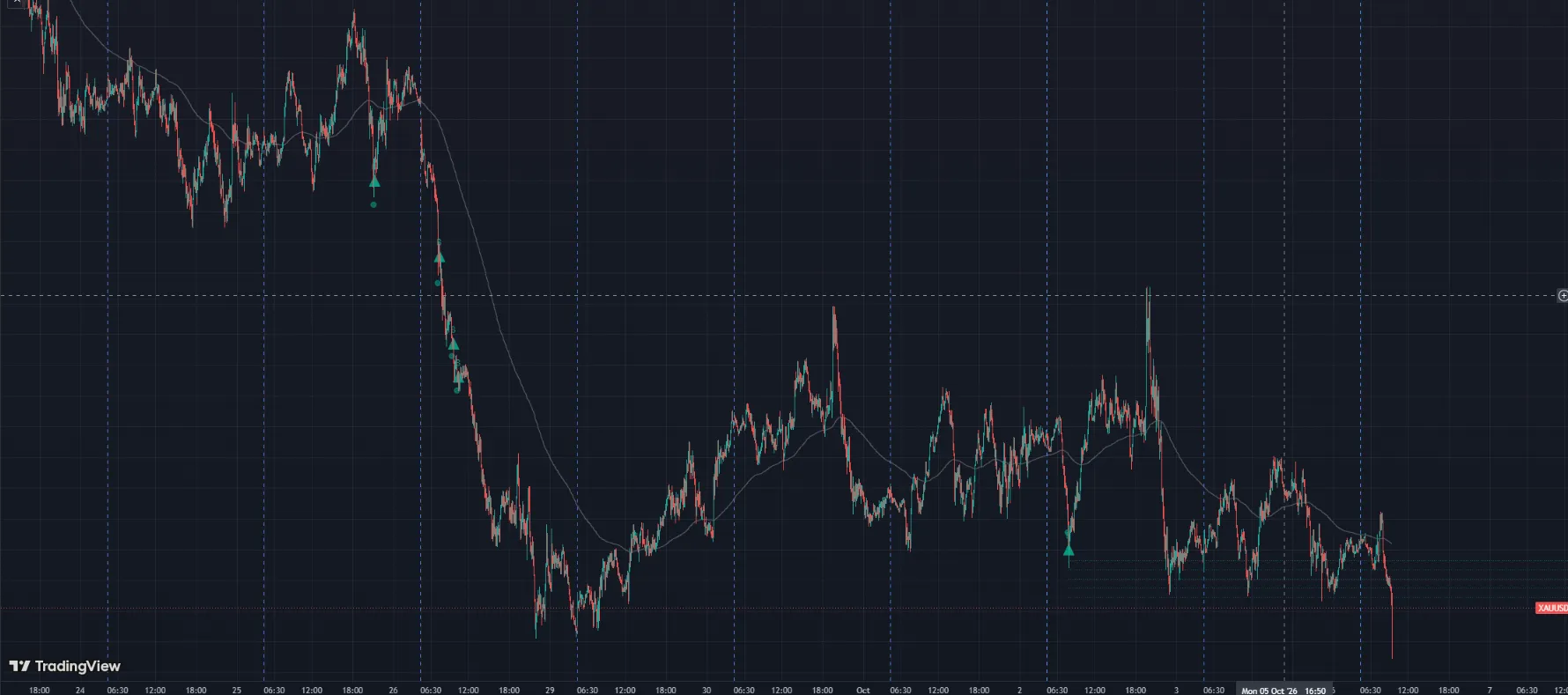
XAUUSD · M5
Waits for the bounce: an indicator extreme places a trailing stop order that fills only once price turns, then layers on a grid. You set your own start and add lot sizes.
Live account statement →
XAUUSD · M5
Enters on indicator extremes and swing turns, then lets the basket roll: it adds to a winning side as the move extends and averages a losing side on a wider grid. Profit targets and the cut-loss scale with your balance.
Live account statement →Entry signals and grid levels on a TradingView chart. They show how entries are taken, not trading results.
Trading gold carries a high level of risk, grid and basket strategies included. Past behaviour does not guarantee future results. Risk disclosure
Live in three steps
Sign up with Google or email in under a minute.
Choose MT4 or MT5, enter your broker server and login, and pay the first month. The terminal starts on its own.
Attach it once. It keeps trading around the clock, and your own computer can stay off.
Latency
Round-trip ping measured from each of our servers. You choose the location when you order. Your real execution speed also depends on where your broker's trade server is.
Lille 25 September 2026
Paris 18 October 2026
Per broker, measured from these servers:
190 ms is not our network: it is the distance to that broker's trade server. An account registered in Asia is placed on an Asian server, and Europe to Asia is 170–190 ms of physics — no hosting plan can compress that. Why we publish it →
Why not a regular VPS?
| Feature | VPS Forex | Typical Windows VPS |
|---|---|---|
| MetaTrader ready to use | Yes, in minutes | Install it yourself |
| Access from a phone | Any browser | RDP app |
| EA upload | Drag and drop, auto-placed | Copy files by hand |
| TradingView alerts | Built in | Third-party bridge |
| AI with Telegram confirm | Built in | Not available |
| Operating system to maintain | None, fully managed | Windows updates and reboots |
| Memory | 768 MB for MetaTrader alone | Shared with Windows and RDP |
| You pay for | One terminal, from $3.60/mo | A whole server |
Pricing
One MT4 or MT5 terminal, running 24/7.
$4.50$3.60/ month
≈ Rp 65.000 / month via QRIS (Indonesia)
Billed $43.20 every 12 months · you save $10.80
A separate terminal for the Strategy Tester.
from$3.60/ month
≈ Rp 65.000 via QRIS (Indonesia)
$4.50 monthly$4.28 / mo on 3 months$4.05 / mo on 6 months$3.60 / mo on 12 months
Pay first, monthly or for 3 / 6 / 12 months at once (save 5% / 10% / 20%), in USDT (BEP20 / TRC20), PayPal or QRIS. Your terminal starts as soon as the invoice is paid. Price lock: the monthly price you order at stays yours for as long as the VPS exists. No contract: if you stop paying, the terminal is paused, never charged extra.
Want your AI to read and trade this account? See AI hosting →
FAQ
A forex VPS is a server that runs MetaTrader 24/7 for you. EAs and trading robots need a terminal that is always online and close to the broker's servers. On a home PC, a power cut, a dropped connection or a sleeping laptop can stop an EA in the middle of an open trade.
Yes. Your EA runs on our server around the clock. Close your laptop, lose your internet or turn your PC off and the terminal keeps trading.
No. Upload an EA you already have, or trade by hand in the terminal from your browser. TradingView alerts only need a short JSON message, and the guide gives you a ready one to copy.
It was compiled for AVX2, which the CPU of our Lille server doesn't support. Choose the Paris server when you order (it runs AVX2 builds), or in MetaEditor pick AVX or X64 Regular as the compile target, compile again and upload the new .ex5. If you only have the .ex5 from a seller, ask them for an AVX or X64 Regular build. MT4 .ex4 files aren't affected.
Both are available. Choose when you add the account; your broker decides which platform your trading account uses. You can run one of each as two terminals.
Any broker that offers MetaTrader 4 or MetaTrader 5. You log in with your own account, exactly as on your desktop. VPS Forex is not a broker and never holds your funds.
Two servers, both in France: Lille and Paris. You choose one when you order. Measured round-trip ping: Lille 6.8 ms to London, 8.3 ms to Frankfurt, and 8.5 ms to Amsterdam; Paris 8 ms to London, 10.5 ms to Frankfurt, and 10.7 ms to Amsterdam.
Turn on TradingView alerts on your account card, create your webhook URL and paste it into the alert, with a short JSON message. Step by step: TradingView → MT4/MT5 guide.
Only if you allow it. Your AI can only propose an order, and it runs after you tap Confirm on Telegram. A TradingView alert does the same, unless you switch that webhook to Auto. Max lot, a required stop loss and your other limits apply to every order. AI can be wrong, and every trade is your own decision.
No, and you don't need it. You get the MetaTrader terminal itself in your browser, fully managed. There's no operating system to patch.
Each terminal runs in its own isolated container on a Linux server, with no Windows licence, desktop or Remote Desktop to pay for and keep running. You pay for one MetaTrader terminal instead of a whole server.
The monthly price of your Trading VPS when you order it stays yours for as long as that VPS exists, renewals included. If our price goes down, you pay the lower one. Discounts for 3 / 6 / 12-month plans follow the current rates. Removing the VPS ends the lock. See the Terms.
Yes. Scan the QRIS code with any Indonesian bank or e-wallet app (GoPay, OVO, DANA, ShopeePay, mobile banking) and the VPS starts as soon as the payment lands. The price is shown in Rupiah at checkout. USDT and PayPal work too.
Monthly, or 3 / 6 / 12 months at once for 5% / 10% / 20% off, in USDT (BEP20 / TRC20), PayPal or QRIS. There is no contract. If you don't renew, the terminal is paused.
A MetaTrader terminal that never logs off, from $3.60 a month.